
Set-up
TradingView indicators are available with an active Indicators or VIP Bundle subscription.
Getting Access
TradingView indicators are available with an active Indicators or VIP Bundle subscription. Sign in to your AlgoAlpha account and submit the details form so your purchase can be matched to your TradingView account. TradingView access is applied after your plan and account details are verified. If access is missing after verification, contact support. Open a chart on TradingView to use the indicators.
Open a chart
Open a chart on TradingView here.
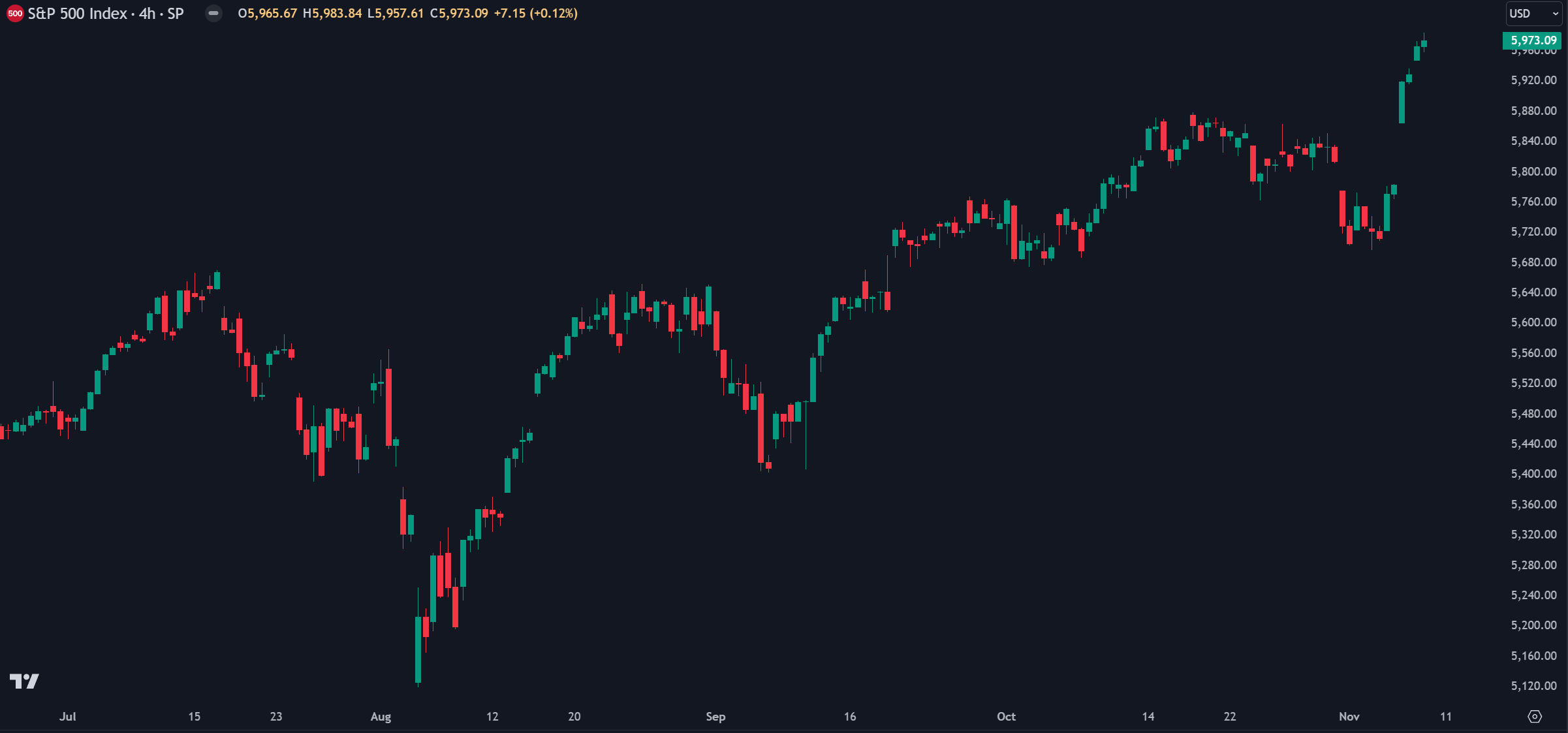
If you do not have a TradingView account, we recommend reading this.
Adding the indicators to your chart
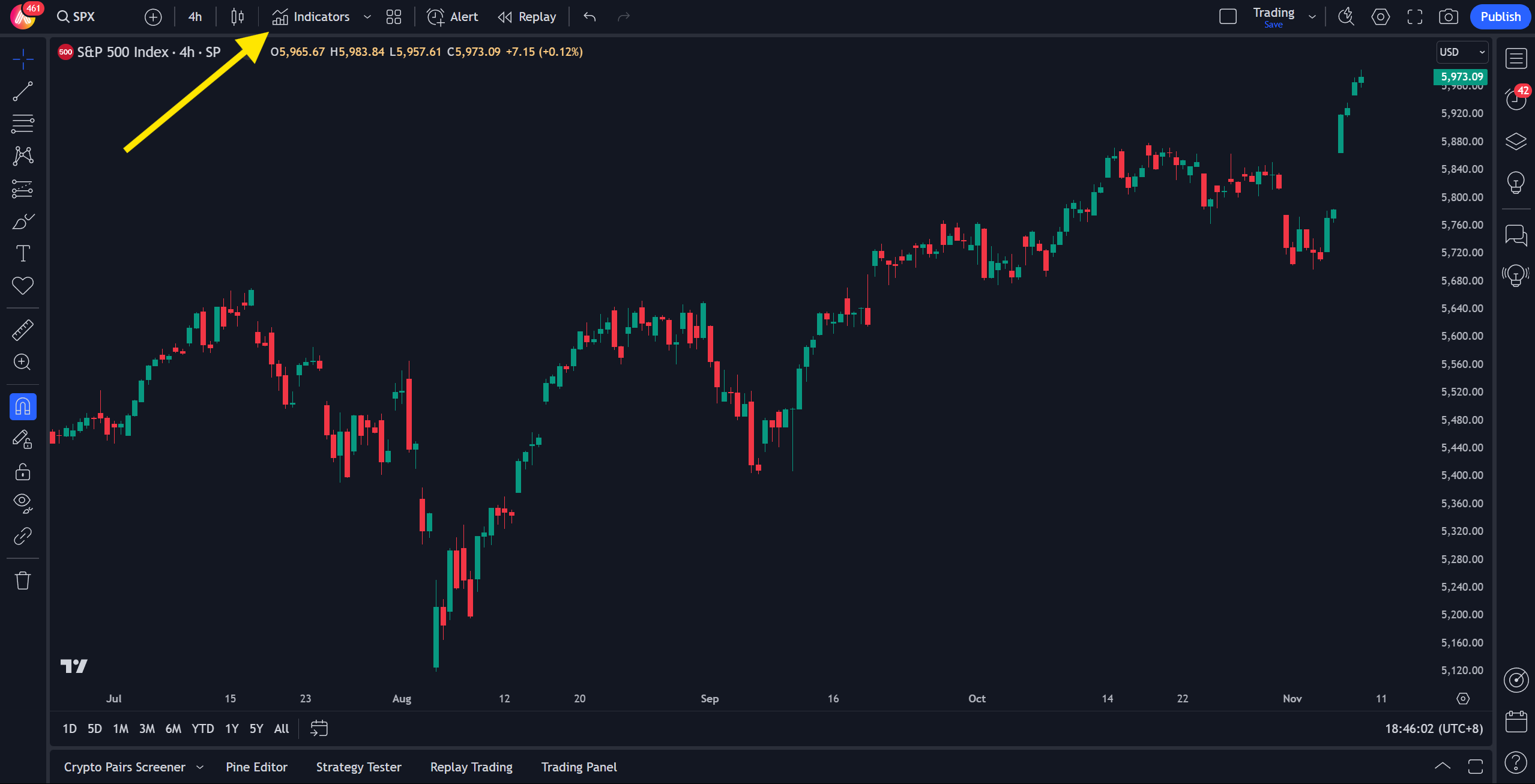
Click on 'Indicators' button and go to the invite-only tab of the Indicators menu. You will then see our indicators.
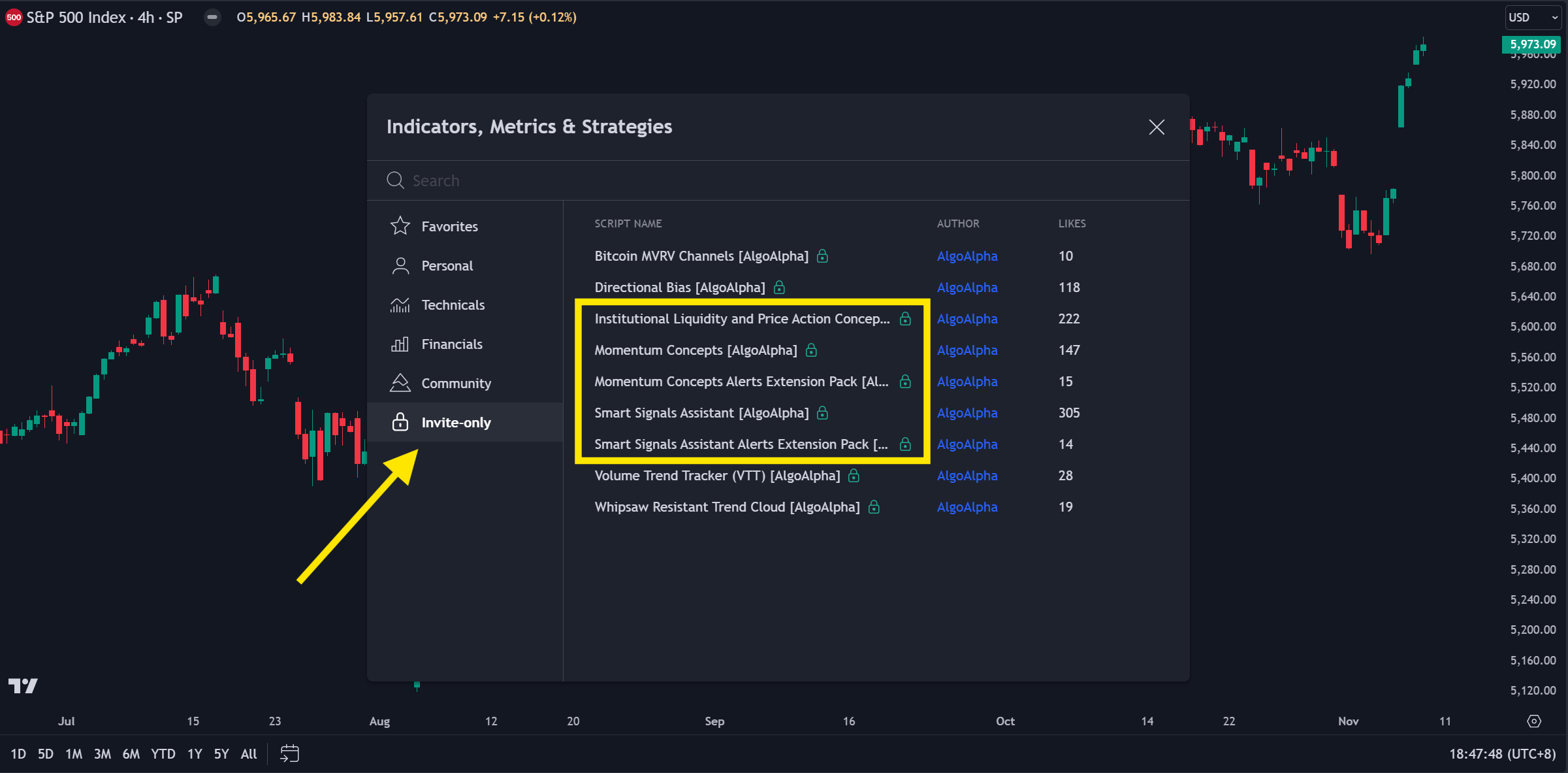
Our indicators work on any chart and timeframe, given enough data. This means common asset classes like Crypto, Stocks, Forex, Futures, Commodities etc. are all supported