Your First Strategy Search
This guide takes you from opening Atlas to reviewing your first set of strategy results.
Step 1: Type Your Query
In the Atlas chat, type what you're looking for. For example:
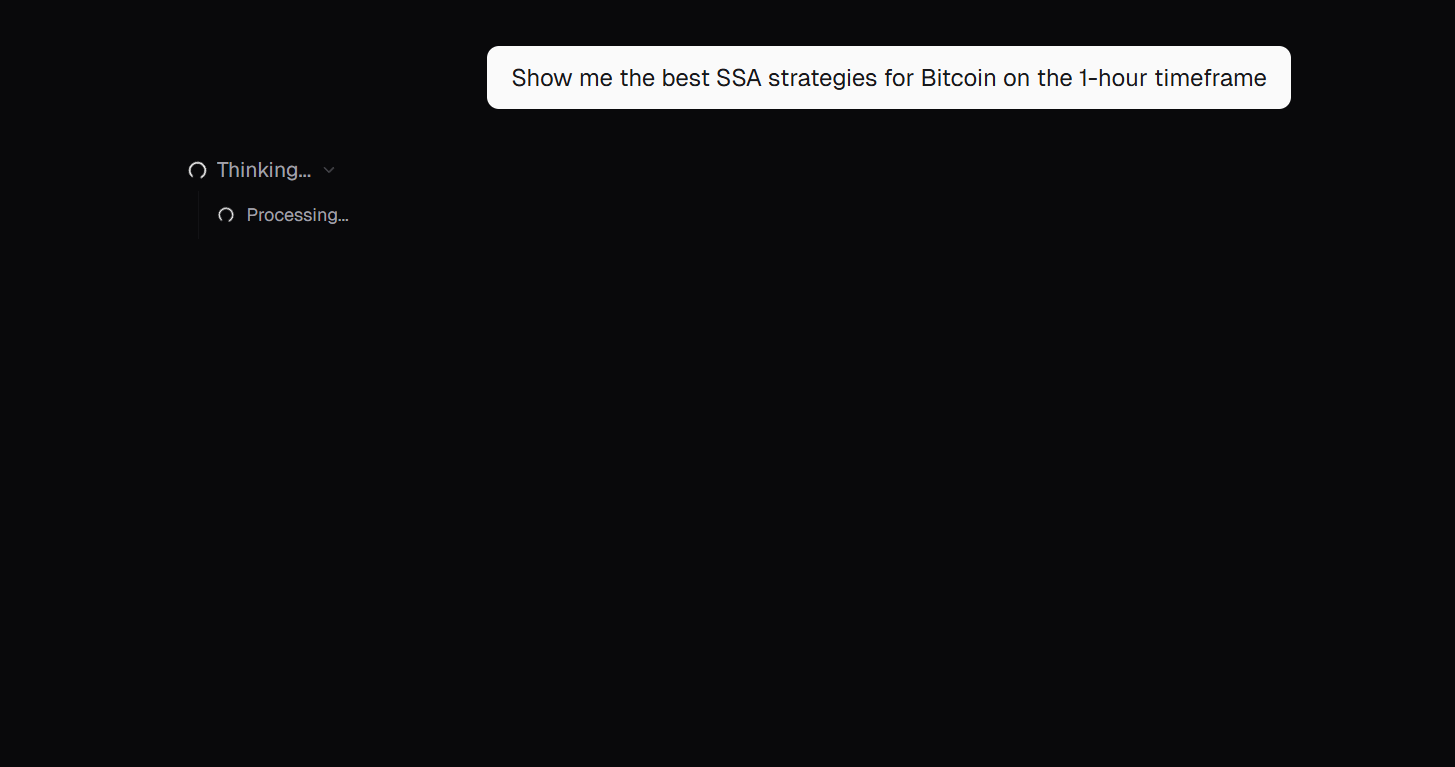
"Show me the best SSA strategies for Bitcoin on the 1-hour timeframe"
Press Enter or click the send button.
Step 2: Answer Any Follow-Up Questions
If Atlas needs more detail, it will present you with multiple-choice options. For example, it might ask which direction you prefer — Long Only, Short Only, or Both.
Click an option to continue, or type your answer.
Step 3: Review Your Results
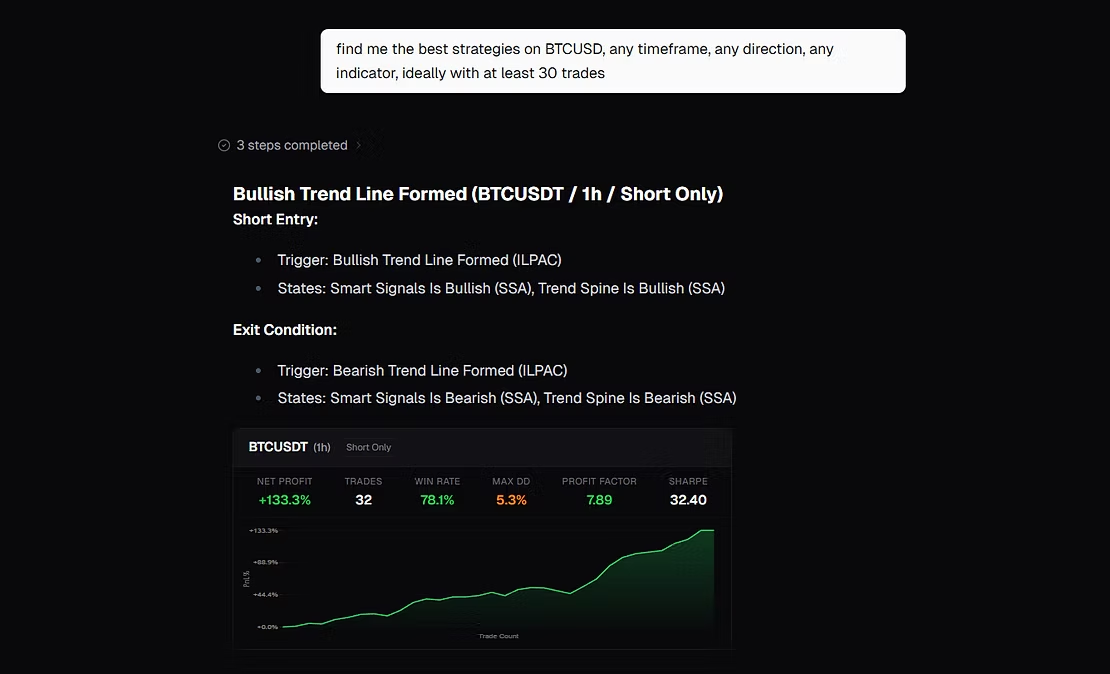
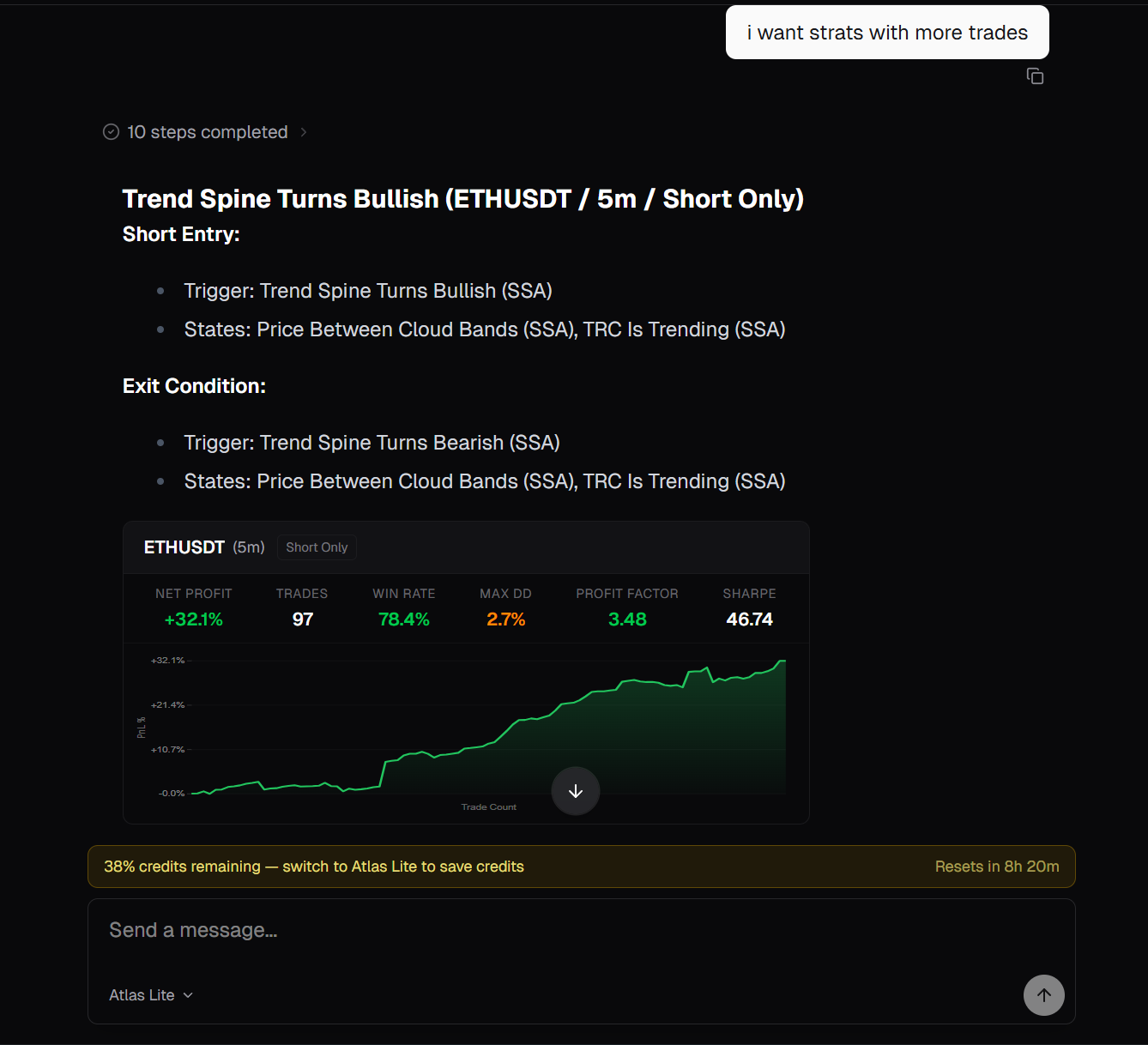
Atlas displays up to 5 matching strategies, each with:
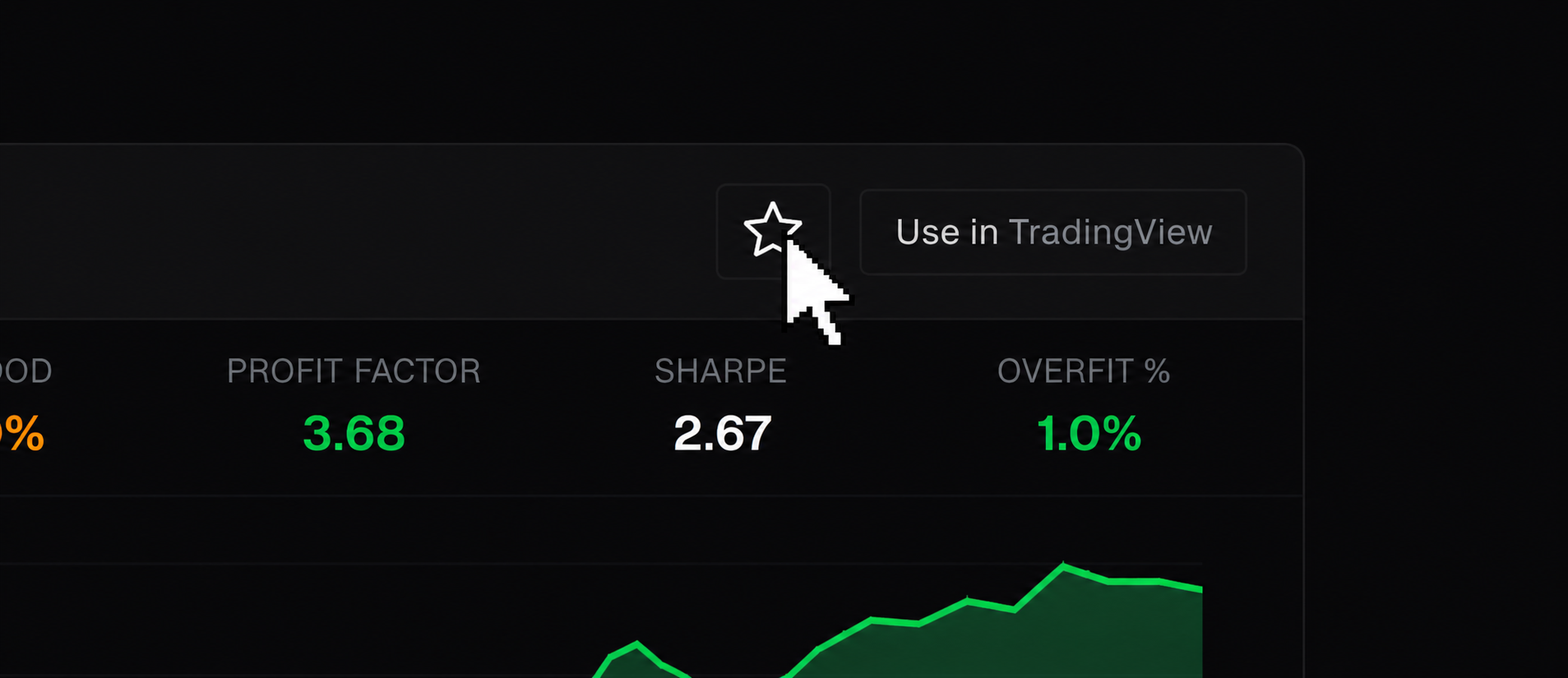
- A metrics panel showing Net Profit, Trades, Win Rate, Max DD, Profit Factor, Sharpe ratio, and Overfit %
- An equity curve chart showing how the strategy performed over time
- The entry and exit conditions (which trigger and states were used)
Step 4: Keep Exploring
Continue the conversation to dig deeper:
- "Show me the same for ETH"
- "Any of these with a drawdown under 10%?"
- "Sort by win rate instead"
- "What does the Fair Value Trail filter do?"
Atlas remembers your conversation context (within each session), so you can refine naturally.
Atlas remembers your conversation context (within each session), so you can refine naturally.
Step 5: Save the Ones Worth Tracking
Found a strategy you want to keep? Click the star icon on its result card to save it to your Saved Strategies dashboard. Saved strategies are re-validated weekly against the refreshed database, so you'll know when one stops clearing the quality filters.